
Best Practices for Cloud Documentation
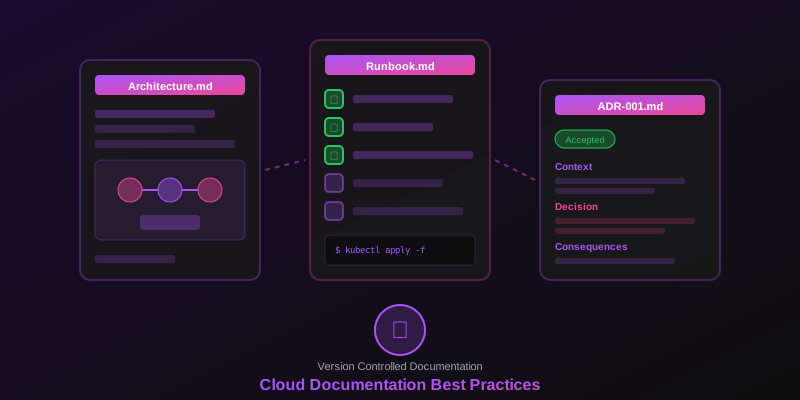
Learn how to create and maintain documentation that keeps pace with your evolving cloud infrastructure.
The Documentation Challenge
Cloud infrastructure changes rapidly. Teams deploy updates multiple times per day, and documentation quickly becomes stale. This guide covers strategies for keeping your documentation accurate, useful, and up-to-date.
1. Establish Naming Conventions
Consistent naming makes documentation easier to create and understand:
- Environment prefix —
prod-,staging-,dev- - Service identifier —
api,web,worker,db - Region suffix —
us-east-1,eu-west-1 - Version or instance —
v2,primary,replica
prod-api-us-east-1
staging-worker-eu-west-1
dev-db-primary
2. Document at Multiple Levels
Different audiences need different levels of detail.
Executive Overview
- High-level system architecture
- Key business capabilities
- Cost and performance metrics
Technical Architecture
- Component interactions
- Data flows and APIs
- Security boundaries
Operational Runbooks
- Deployment procedures
- Incident response
- Scaling operations
3. Use Infrastructure as Code as Documentation
Your Terraform, CloudFormation, or CDK code is documentation:
- Add comments explaining the “why” behind configurations
- Use descriptive variable and resource names
- Maintain a README in each module directory
- Generate diagrams from IaC when possible
Pro tip: Use Infragram to generate diagrams from your infrastructure descriptions, then update them whenever your IaC changes.
4. Version Your Documentation
Treat documentation like code:
- Store documentation in Git alongside your code
- Use pull requests for documentation changes
- Tag documentation versions with releases
- Maintain a changelog for major updates
5. Automate Documentation Updates
Reduce manual effort with automation:
- CI/CD integration — update diagrams on infrastructure changes
- API documentation — generate from OpenAPI specs
- Dependency graphs — auto-generate from package files
- Architecture diagrams — regenerate from infrastructure descriptions
6. Include Decision Records
Architecture Decision Records (ADRs) capture the “why” behind choices:
# ADR-001: Use DynamoDB for Session Storage

## Status: Accepted

## Context
We need session storage that scales automatically
and provides single-digit millisecond latency.

## Decision
Use DynamoDB with on-demand capacity mode.

## Consequences
- No capacity planning required
- Cost scales with usage
- Need to handle eventual consistency
7. Keep Diagrams Simple and Focused
Effective diagrams follow these principles:
- One diagram, one purpose
- Maximum 15-20 components per diagram
- Use consistent colors and symbols
- Include a legend for custom elements
- Date and version each diagram
8. Review and Update Regularly
Schedule documentation reviews:
- Sprint reviews — update affected documentation
- Monthly audits — check for stale content
- Quarterly reviews — validate architecture diagrams
- Post-incident — update runbooks and diagrams
9. Make Documentation Discoverable
Great documentation is useless if no one can find it:
- Centralize in a searchable knowledge base
- Link from code repositories
- Include in onboarding checklists
- Reference in incident channels
Tools That Help
- Infragram — AI-generated architecture diagrams
- Confluence / Notion — knowledge bases
- GitHub / GitLab — version-controlled docs
- Backstage — developer portals